

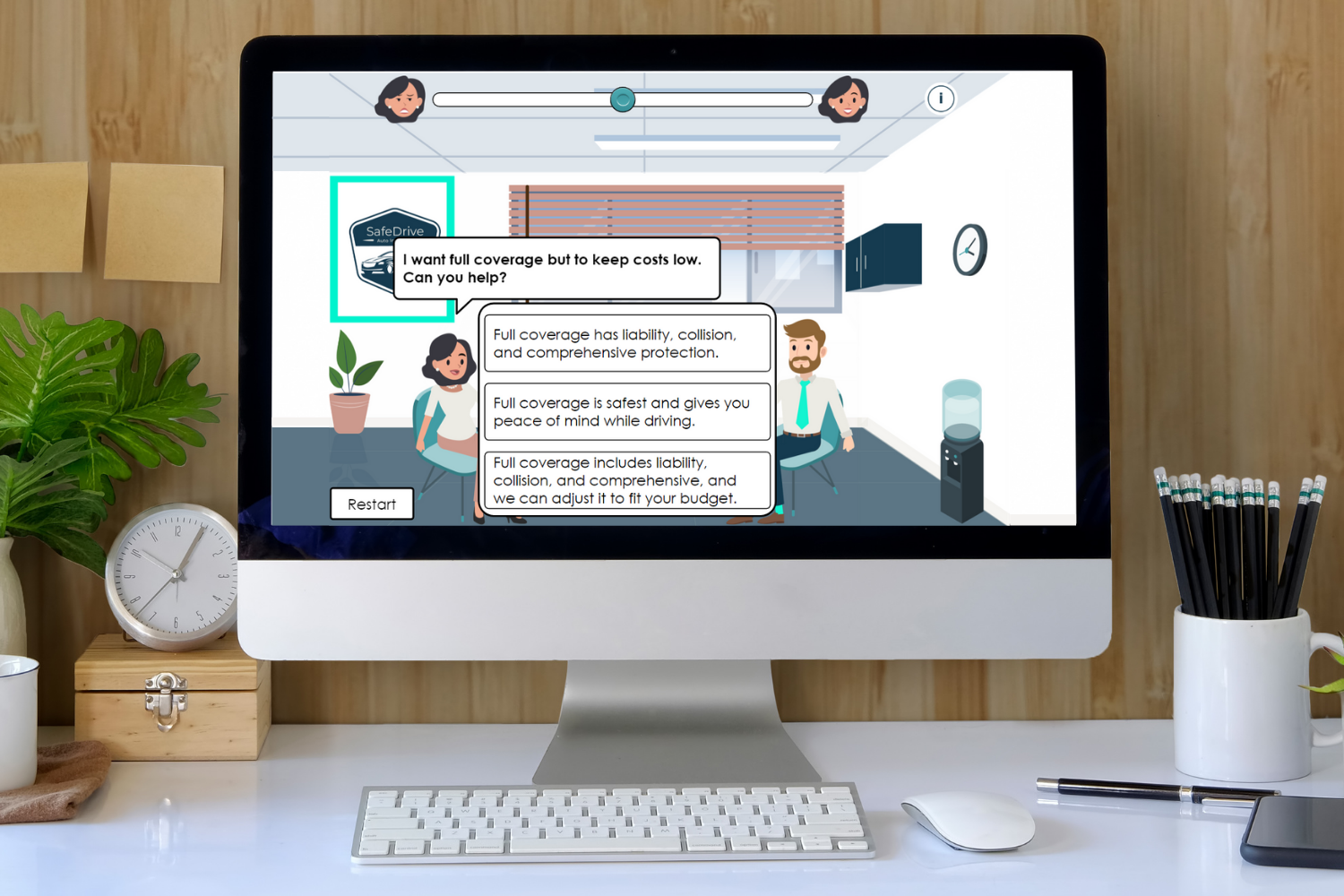
Boost Your Sales: Mastering Customer Interactions
Can you use empathy, communication, and problem-solving to increase customer satisfaction?
A scenario-based, gamified eLearning simulation for auto insurance sales agents to improve customer interactions in a realistic, risk-free environment.
Project Overview
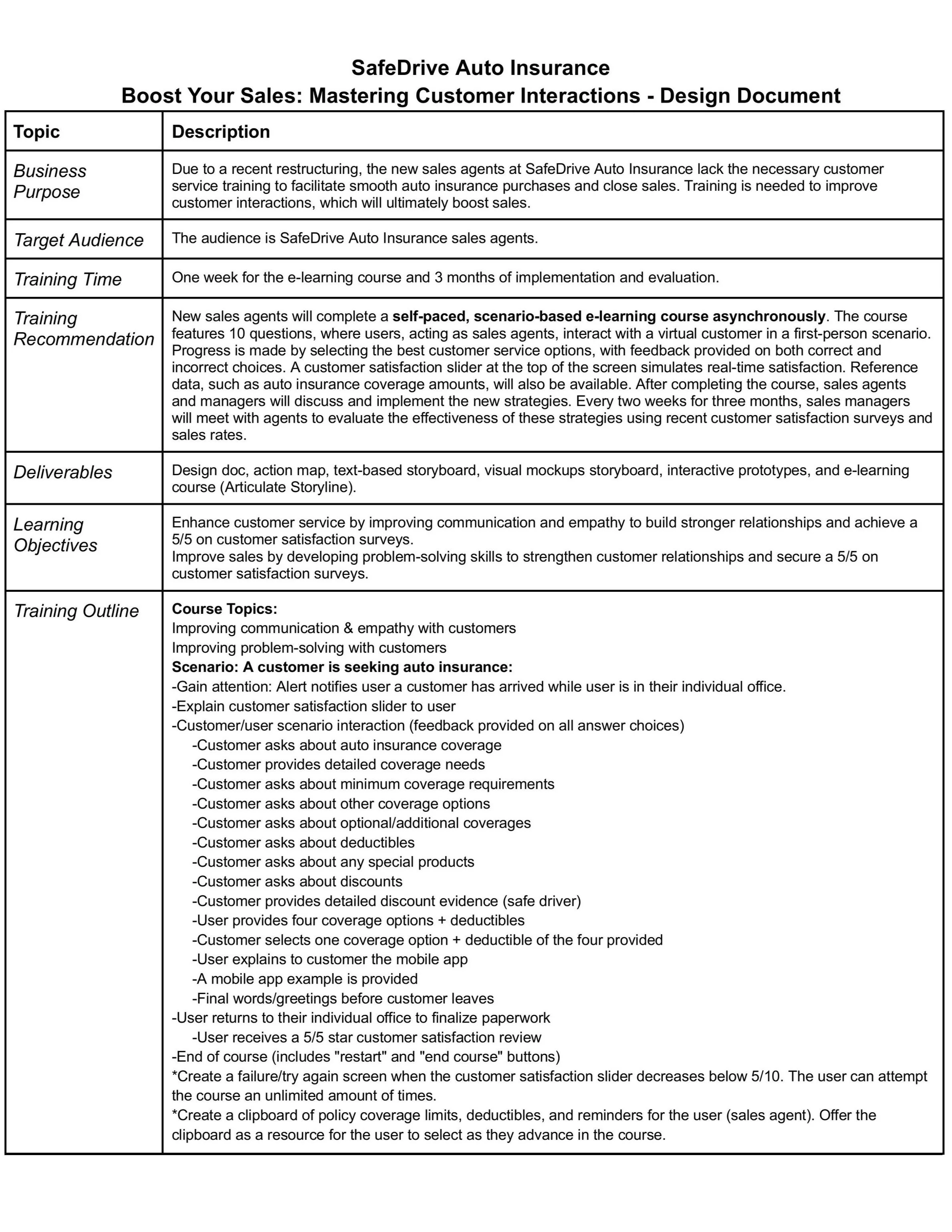
Audience: Auto insurance sales agents
Tools Used: Articulate Storyline (AI audio), Adobe Illustrator, Adobe XD, Canva, Freepik.com, Google Suite, and AWS3
My Roles: Instructional Designer, Visual Designer, eLearning Developer
I designed this concept project to simulate real-world customer interactions and teach agents key soft skills through learner-driven decision-making, gamification, and realistic branching scenarios. Each choice impacts a customer satisfaction slider, giving learners immediate feedback and a safe space to practice.
The Problem
SafeDrive Auto Insurance, a fictional midsize company, had a wave of new hires who lacked formal customer service training, causing:
Long wait times
Frustrated, unassisted customers
Agents struggling with empathy and clear communication
A scalable, eLearning training solution was needed to close soft skill gaps and restore customer trust.
The Solution
I created a scenario-based eLearning experience that:
Teaches agents to communicate effectively and respond empathetically
Simulates realistic customer interactions with branching outcomes
Uses a gamified satisfaction slider for real-time visual feedback
Provides flexible, remote learning that supports long-term skill growth
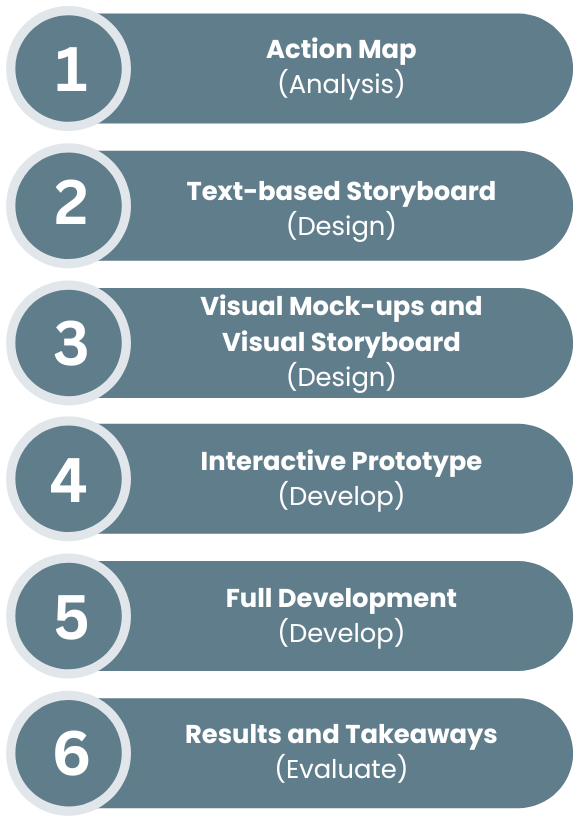
My Design Process
Action Mapping & Storyboarding
Defined desired behaviors, not just knowledge, such as asking clarifying questions or offering solutions calmly
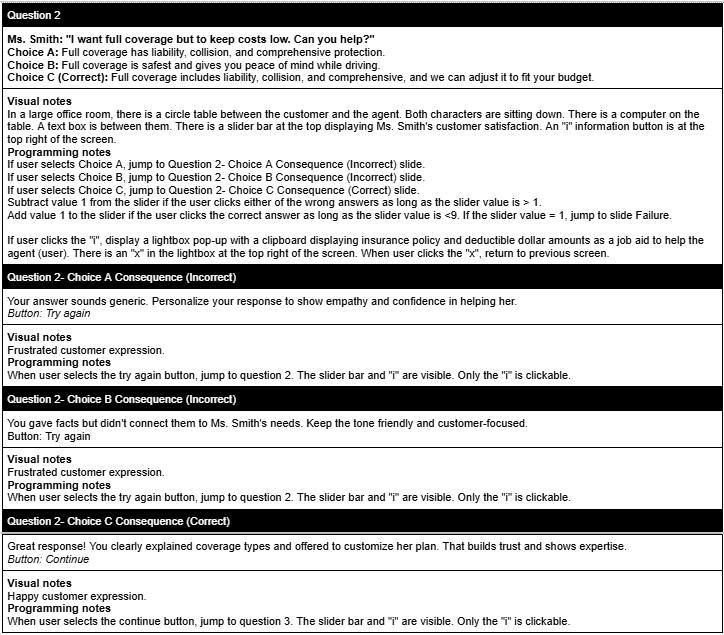
Developed a text-based storyboard where learners step into an agent’s shoes, navigating dialogue that impacts the customer satisfaction slider
Action Map

Text-based Storyboard
Visual Design & Mockups/Prototyping
Created a custom visual identity, including a style guide, mood board, mockups, prototypes, and character illustrations
Key design elements:
Custom facial expressions and character poses
Interactive buttons and sliders with dynamic triggers
Realistic environments (desk, office space, customer view)
Informational icons and mobile app visuals for context
After the visuals were ready, I created high-fidelity prototypes in Storyline with advanced variables, triggers, layers, and conditional feedback.
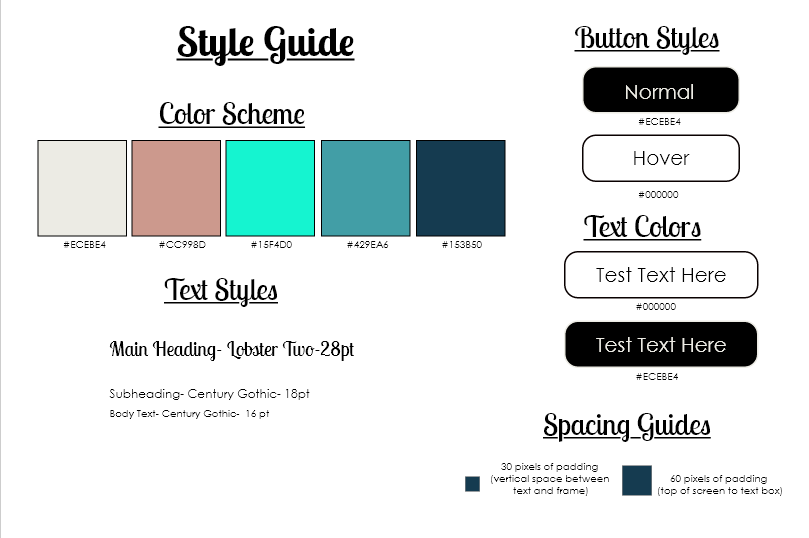
Style Guide
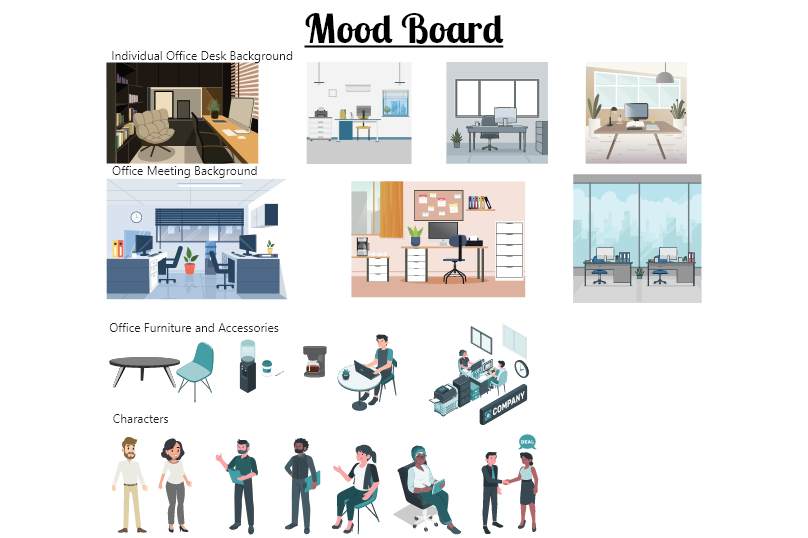
Mood Board
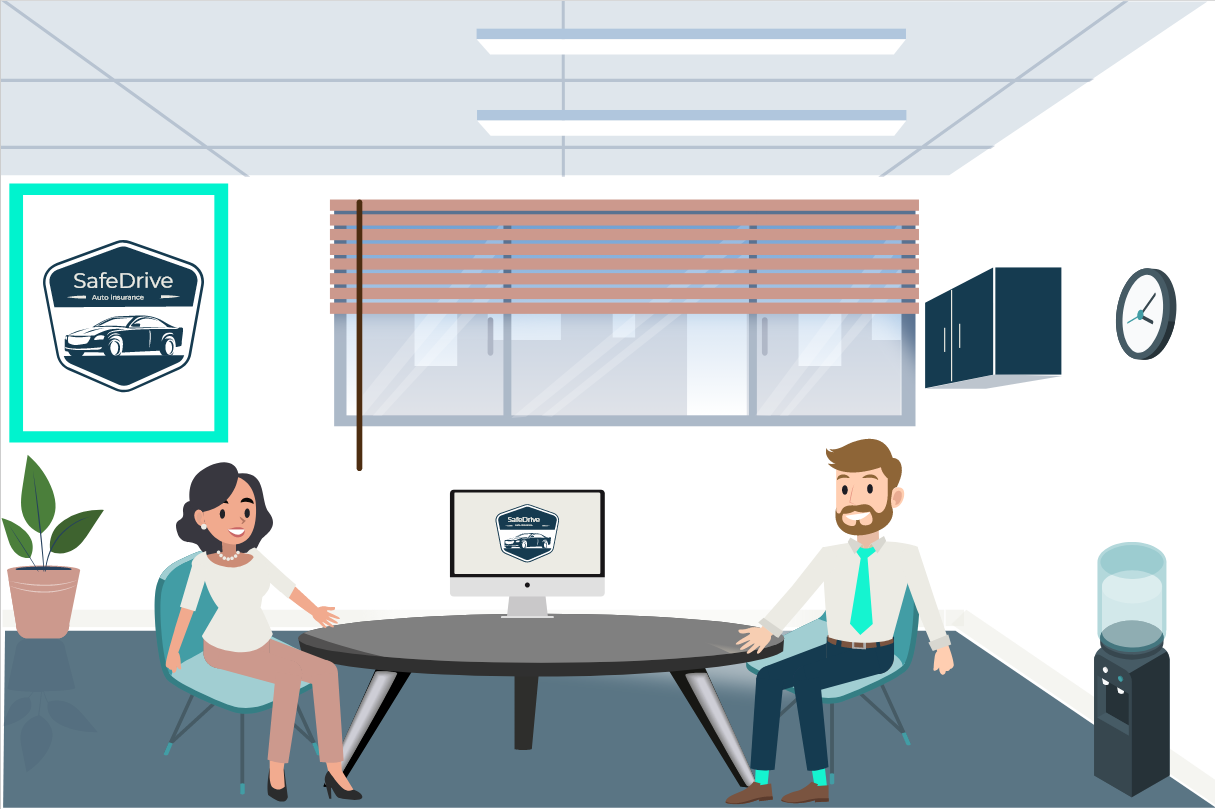
Main Slide Background
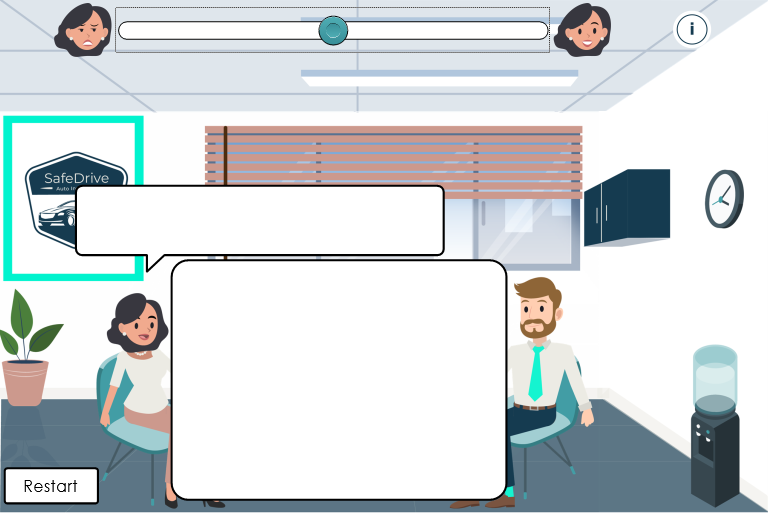
Main Slide Background with text boxes & slider
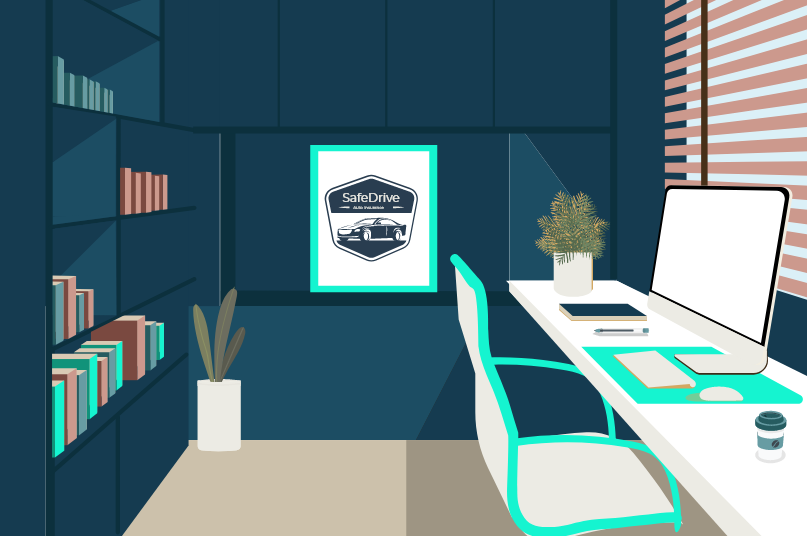
Office background
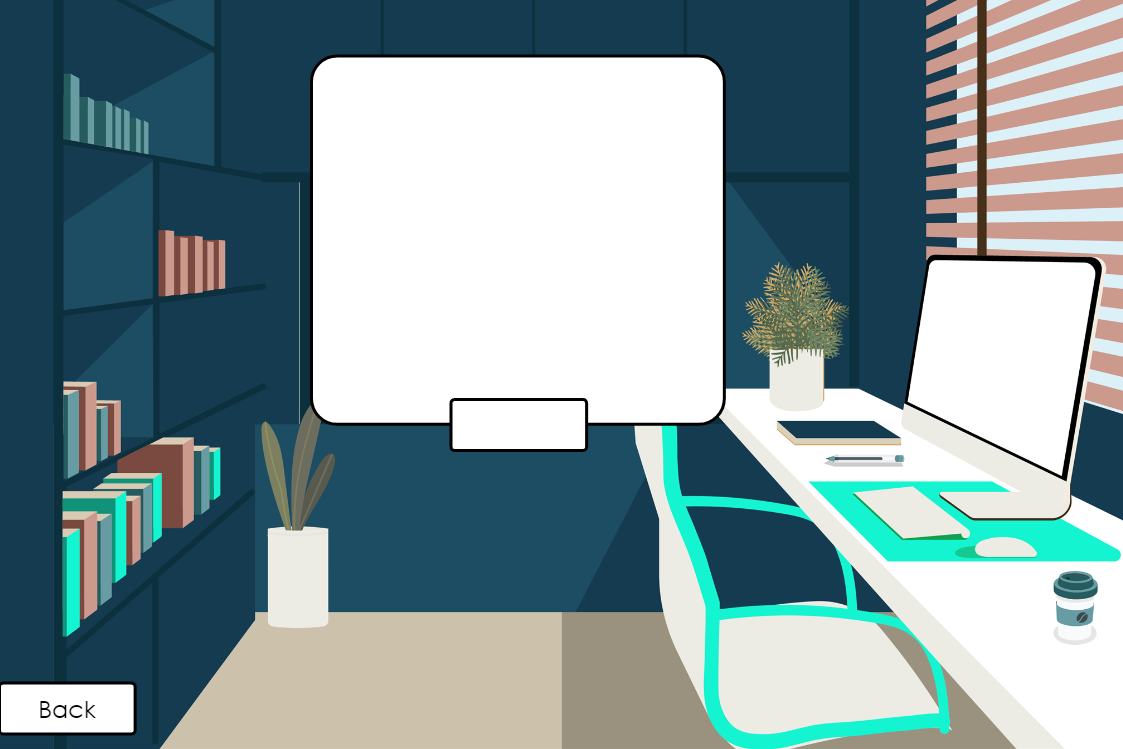
Office background with text boxes
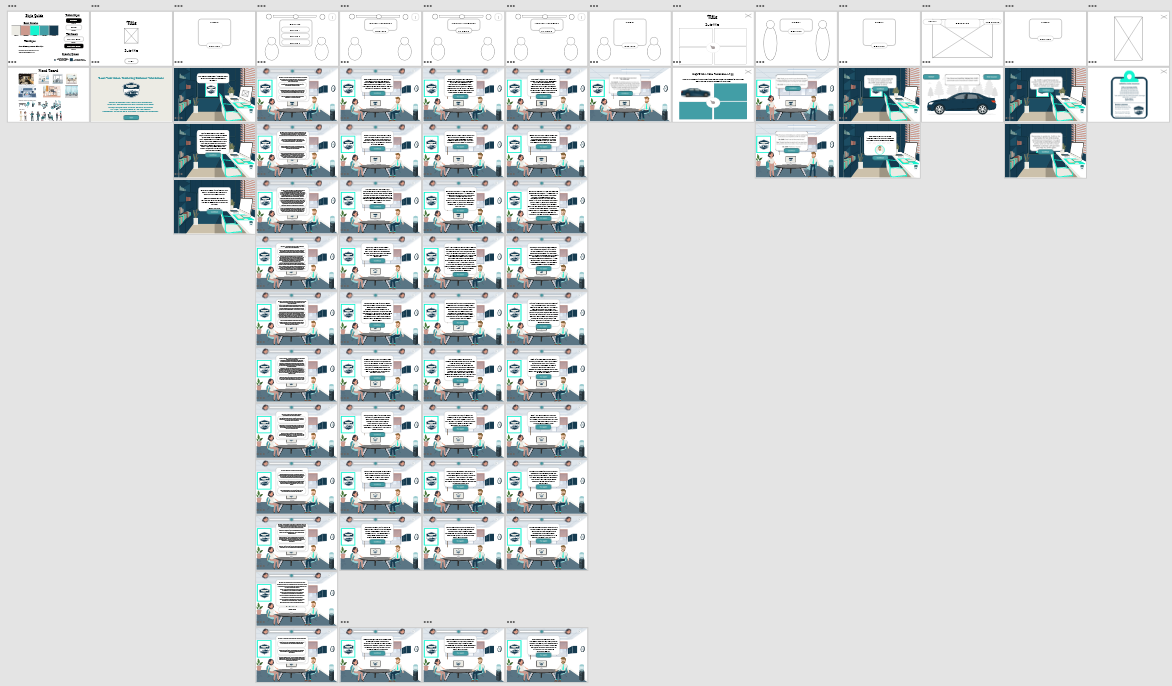
Adobe XD Visual Mockups
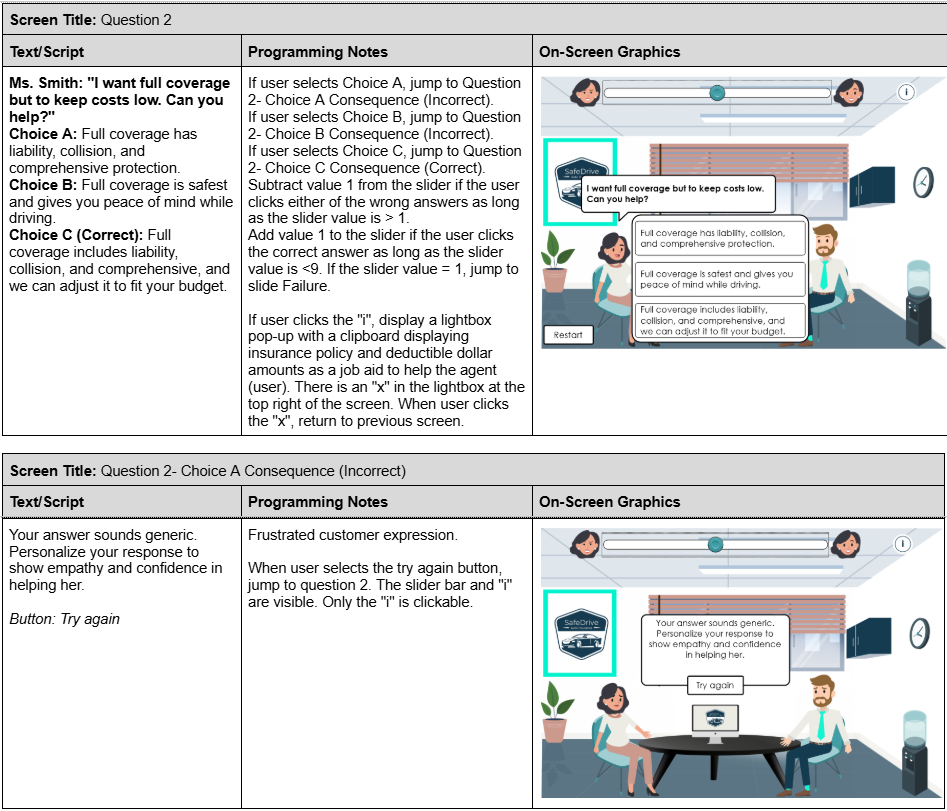
Visual Storyboard- Question 2
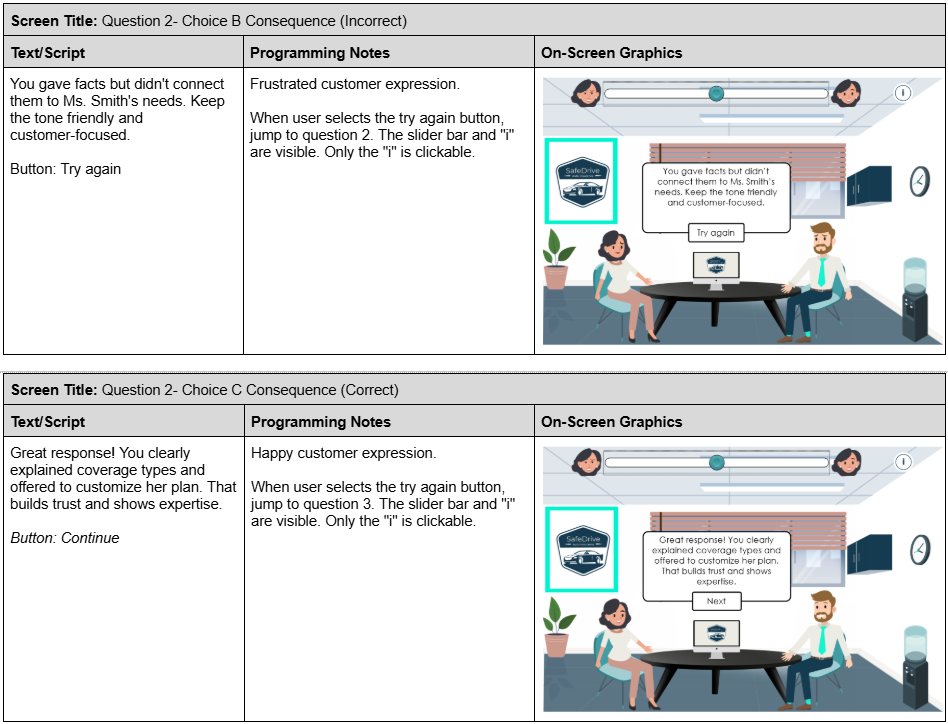
Visual Storyboard- Question 2 continued
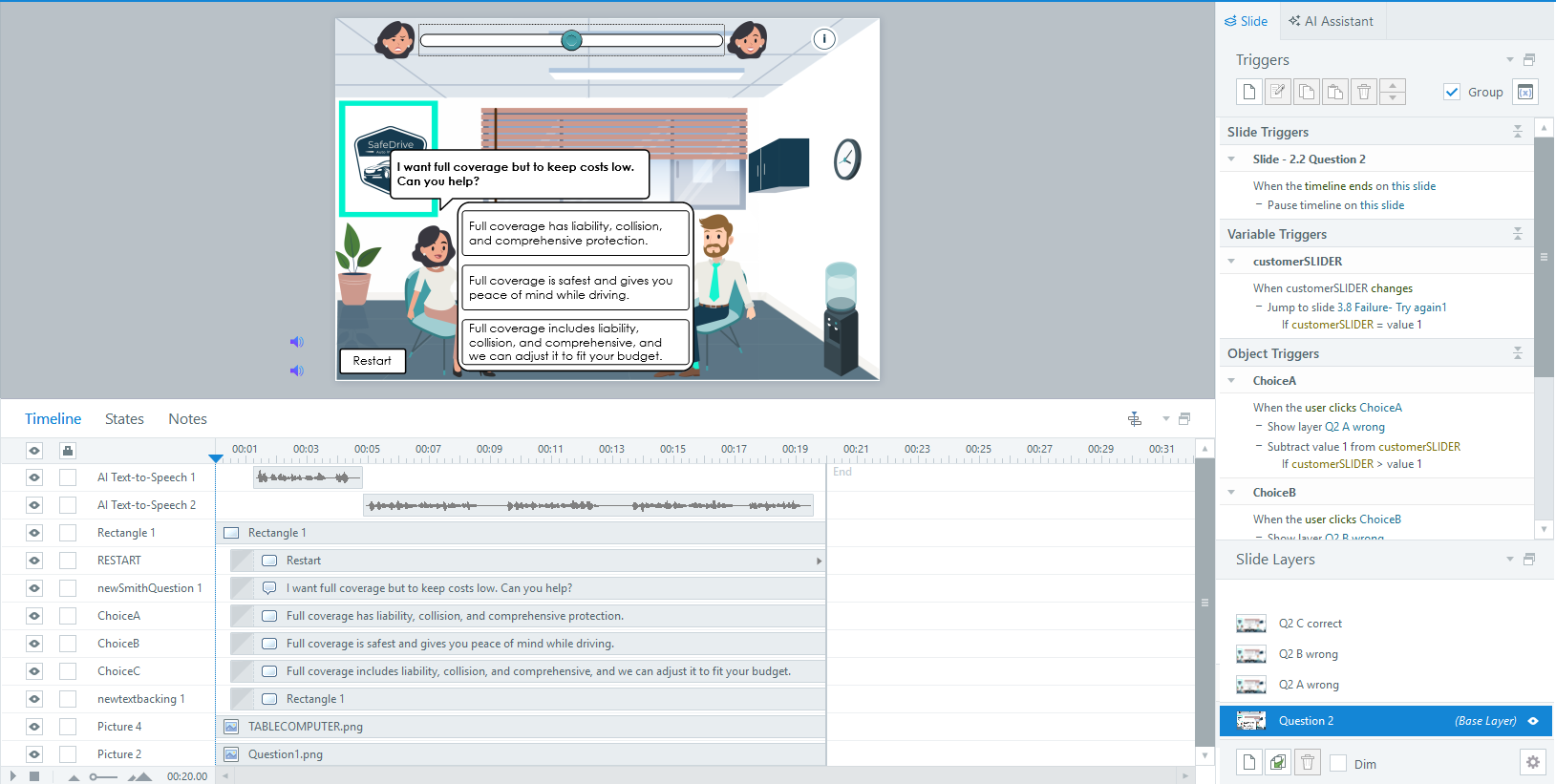
Interactive Prototype- Question 2
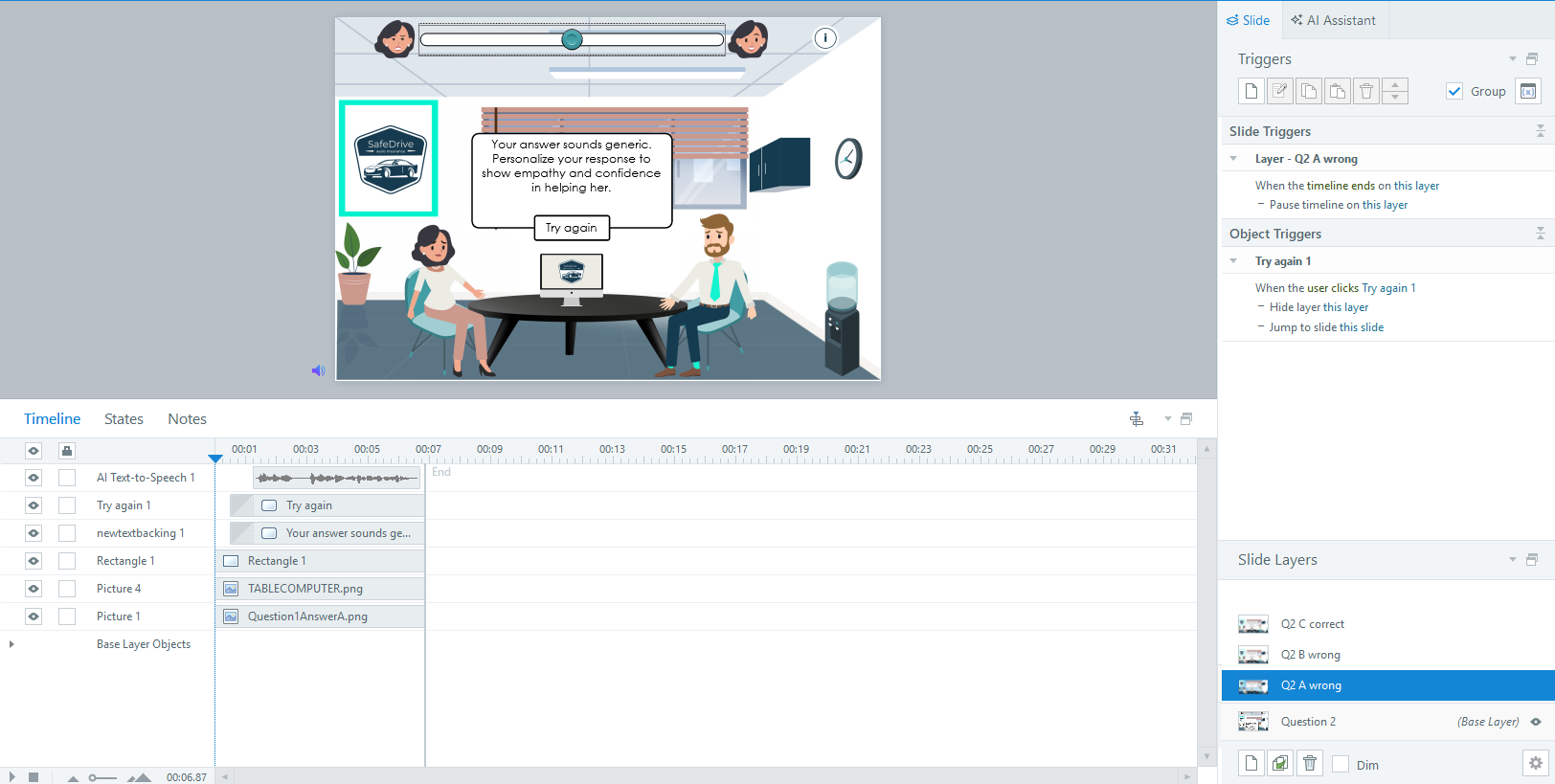
Interactive Prototype- Question 2 answer A feedback
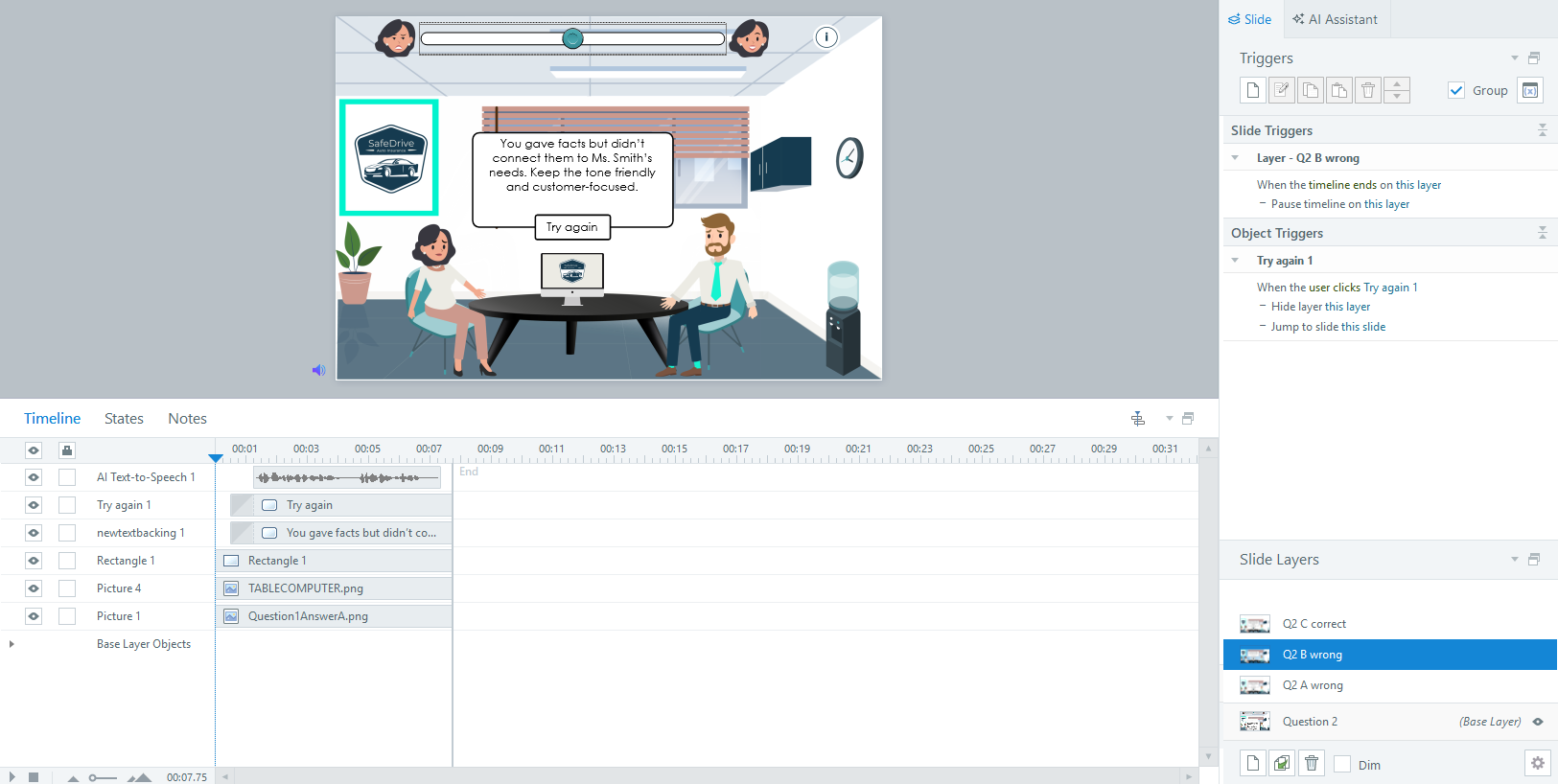
Interactive Prototype- Question 2 answer B feedback
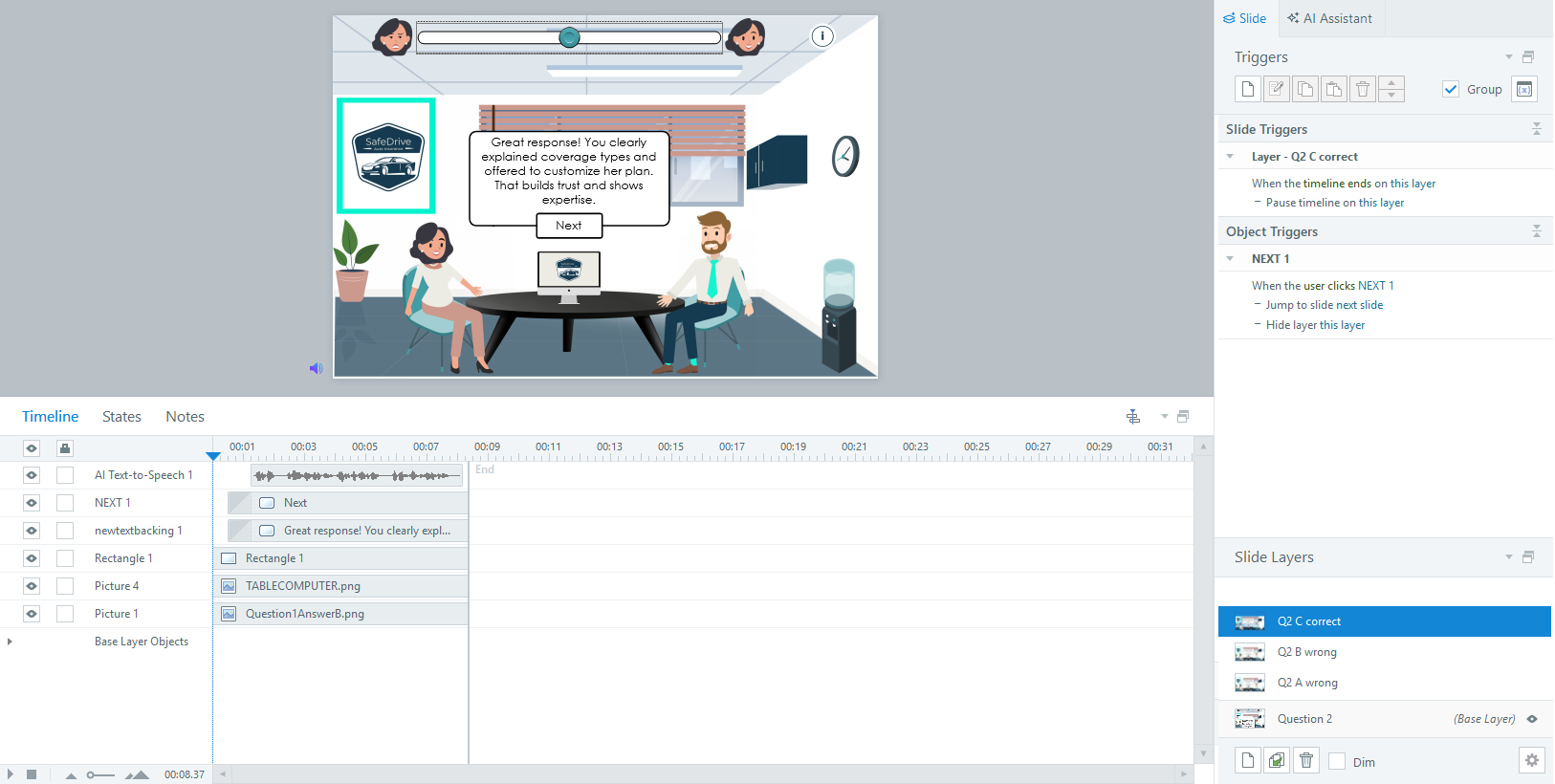
Interactive Prototype- Question 2 answer C feedback

Interactive Prototype- Office
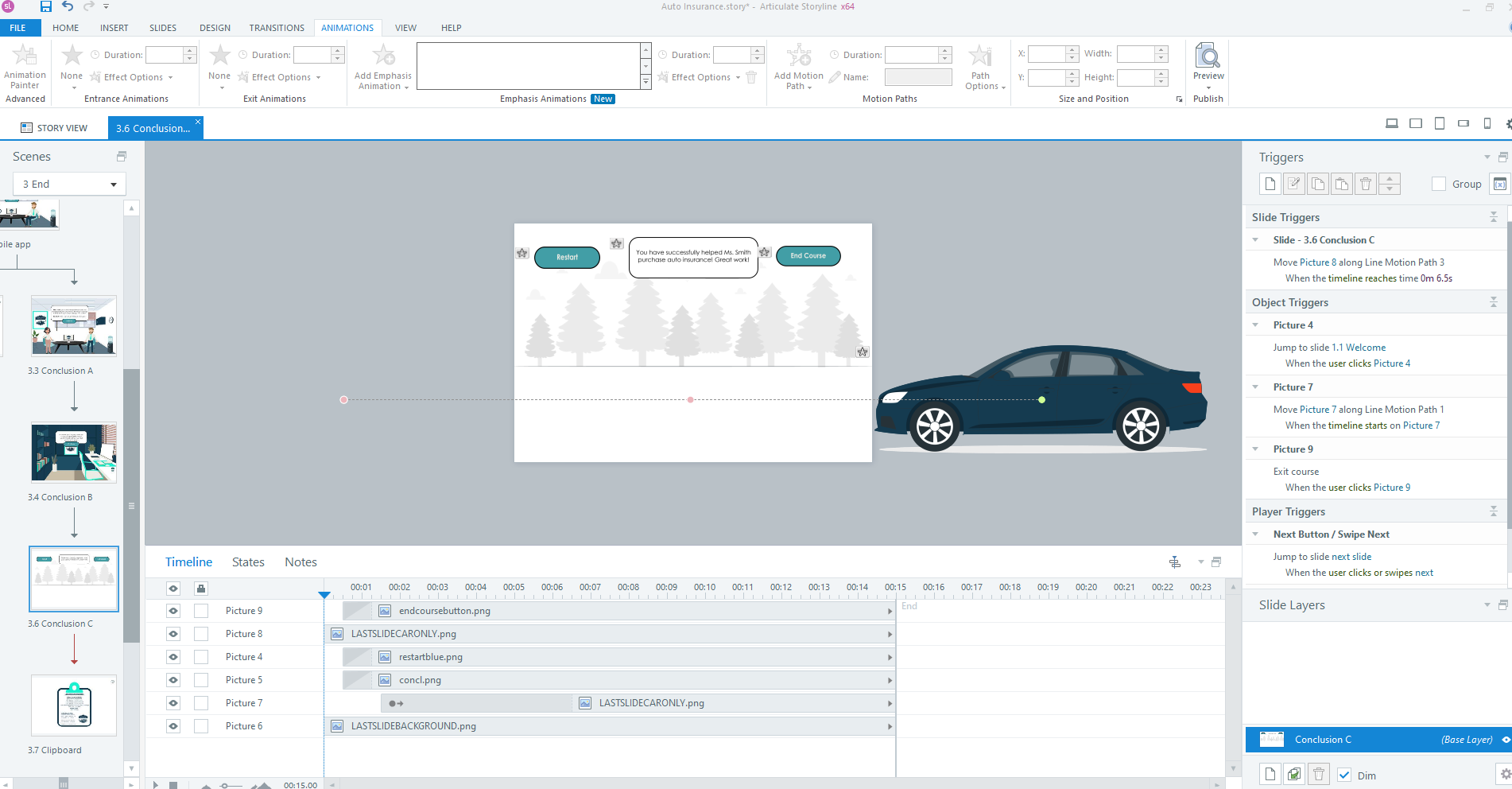
Interactive Prototype- Final screen motion path
Full Development
Developed the full interactive experience with polished content, animations, and object states
Implemented custom feedback for each answer choice
Designed scenario reset triggers when users make repeated mistakes, returning the satisfaction slider to neutral on further attempts
Integrated three AI voiceovers for the two characters and narrator
The result was a cohesive, immersive simulation built entirely in Articulate Storyline.
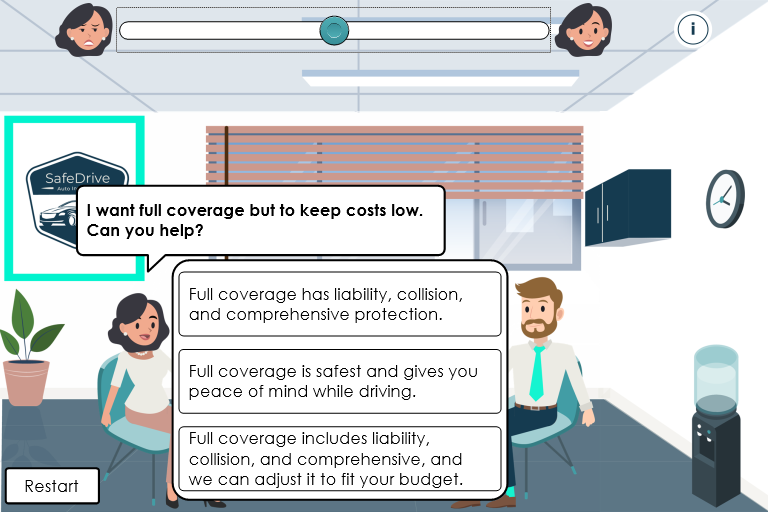
Full development- Question 2
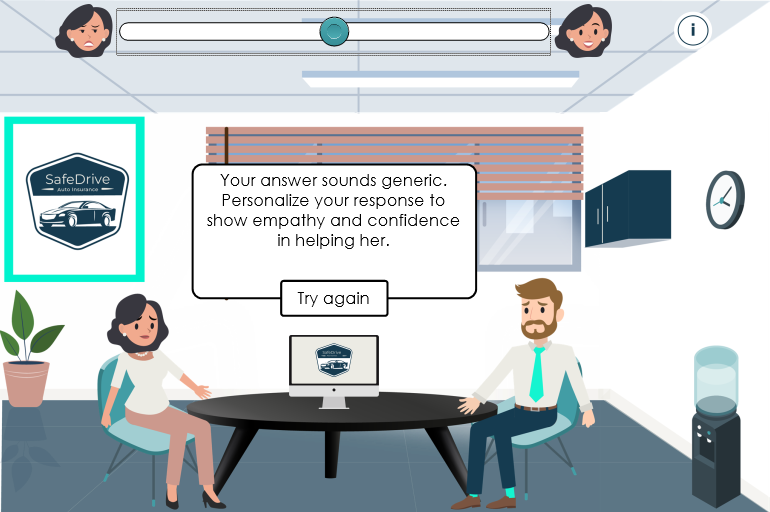
Full development- Question 2 answer A feedback
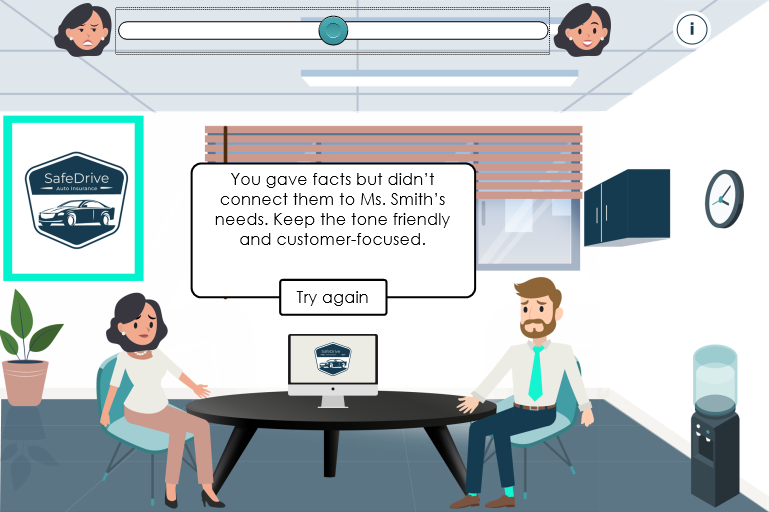
Full development- Question 2 answer B feedback
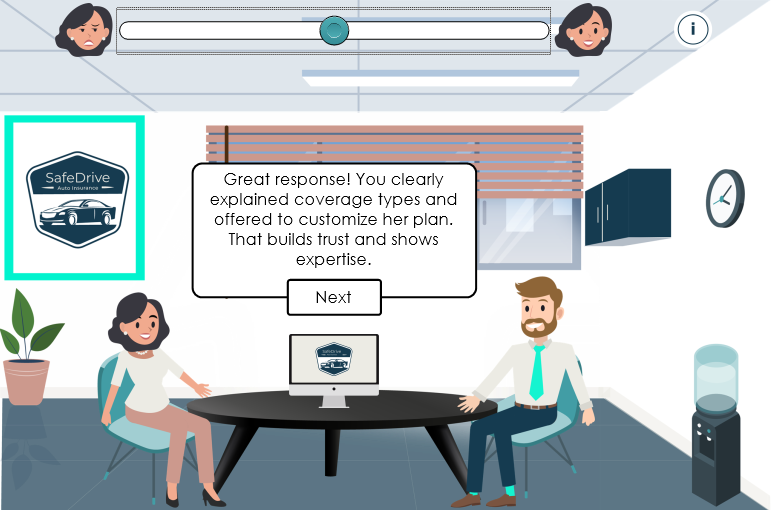
Full development- Question 2 answer C feedback
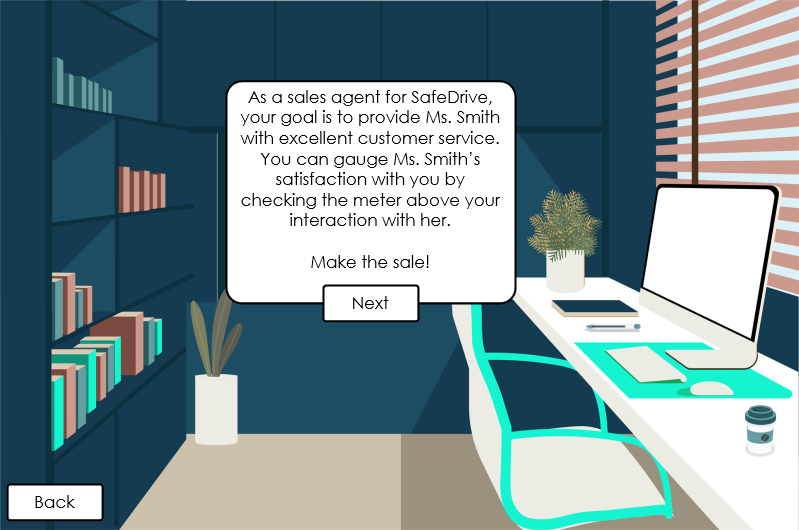
Full development- office
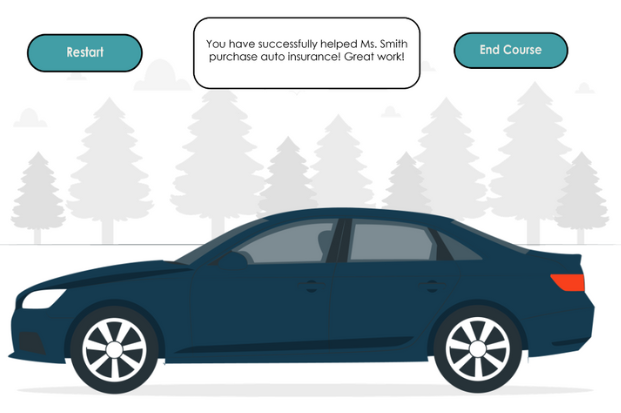
Full development- Final slide
Results & Takeaways
Gained deep experience in scenario-based, immersive learning
Learned the power of gamification and visual feedback for skill acquisition
Developed smooth, cohesive workflows by creating a comprehensive visual design system upfront
What I’d Improve with More Time
Expand branching dialogue options for richer scenarios
Introduce additional sales strategies alongside soft skills
Add an expert sales manager avatar for hints and guidance